
12 Best Lead Management Tools for Service Pros
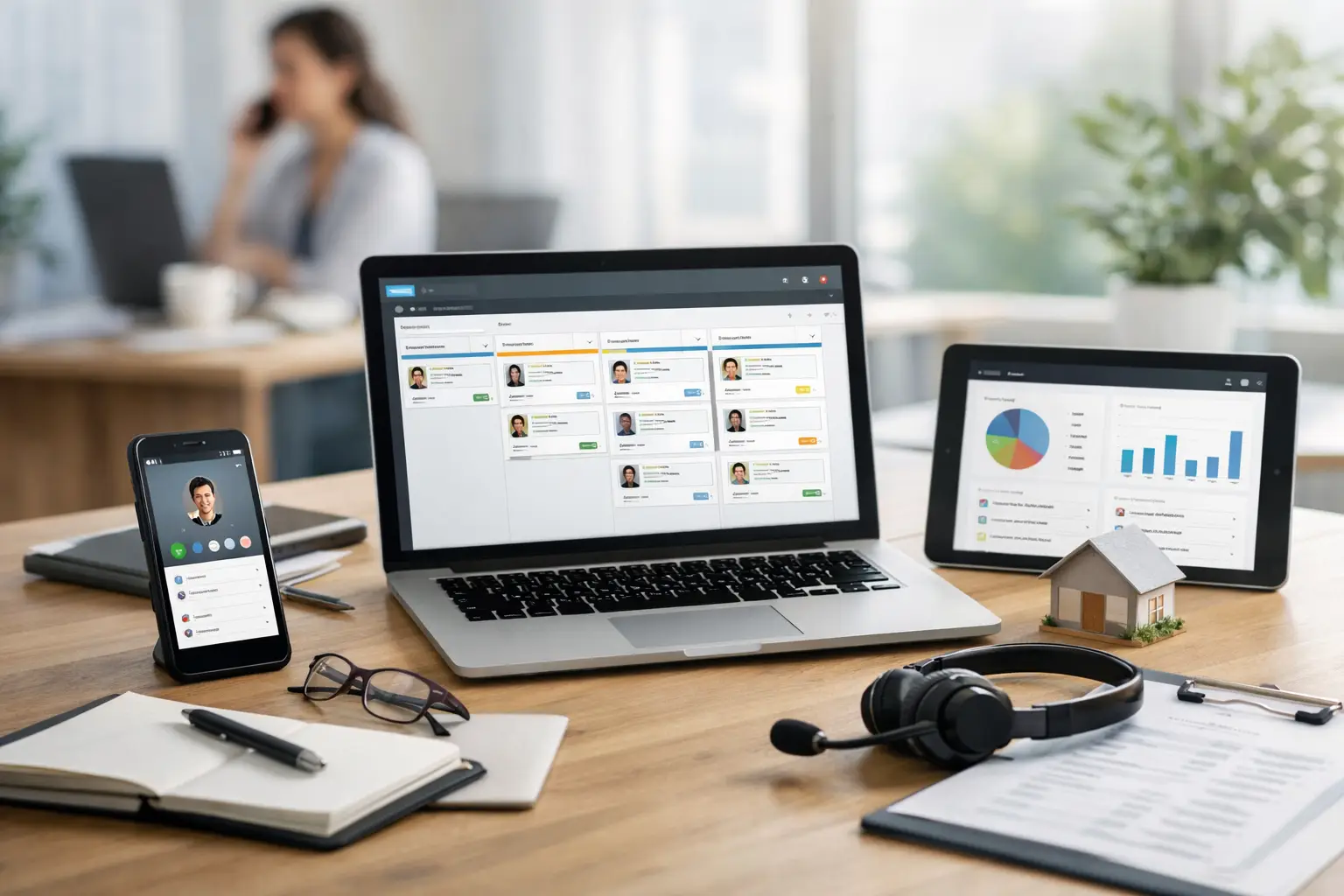
A new lead comes in while you are driving to a job, carrying equipment, or cleaning a house. By the time you stop to reply, another company may have already booked it. The best lead management tools solve that problem by putting every inquiry in one place and helping you respond before the opportunity disappears.
For a solo cleaner, plumber, electrician, or lawn care business, the right tool is not the one with the longest feature list. It is the one you will actually use between jobs. It should make it easy to see who contacted you, reply quickly, follow up without guessing, and know which sources are bringing booked work.
What a lead management tool should do
Lead management is the process of catching an inquiry, responding, following up, and moving that person toward a booked job. It sounds simple, but leads often arrive from several places at once: calls, text messages, Google Local Services Ads, Thumbtack, Angi, Yelp, Facebook, referrals, and website forms.
Without one system, details get buried in text threads, missed-call notifications, and marketplace inboxes. You may remember to call someone back after work, or you may not. A lead tool gives you a repeatable process instead of relying on memory when your day gets busy.
For most small service businesses, look for these basics:
- A shared inbox for calls, texts, forms, and marketplace leads
- Fast response tools, including templates or automated first replies
- A simple pipeline that shows new, contacted, quoted, booked, and lost leads
- Follow-up reminders so estimates do not go cold
- Mobile access that works well while you are in the field
- Reporting that shows lead source, response time, and booked jobs
Bilingual communication can also be a deciding factor. If you or your team primarily work in Spanish, software should help you communicate naturally with customers instead of forcing you into an English-only workflow.
Best lead management tools for home service businesses
The right choice depends on your size, how leads arrive, and whether you need full job management or mainly faster lead response. Here are 12 options worth considering.
1. GigConvert
GigConvert is built for solo operators and small home service teams that need to catch and convert leads without learning complicated software. It brings lead sources into one inbox and is designed around mobile communication, quick replies, and booking more jobs.
Its Pro features can reply to leads with AI in English or Spanish, answer inbound business calls, qualify customers, summarize calls, and help book work on the calendar. It also gives businesses a public profile, directory listing, and QR code for turning flyers, business cards, or vehicle magnets into lead capture points. This is a strong fit if you do not have a website, work primarily from your phone, or want hands-on setup help through short personalized videos.
2. Jobber
Jobber is a popular field service platform for businesses that want lead tracking alongside scheduling, estimates, invoices, and customer management. It can be a good choice once you have a steady volume of jobs and want one system for the office side of the business.
The trade-off is that a broader system takes more setup. If your main problem is replying to marketplace leads in the first few minutes, evaluate how quickly your team can use its inbox and automation from a phone.
3. Housecall Pro
Housecall Pro combines customer management, scheduling, dispatching, payments, and marketing tools. It is often a better match for established service teams that need to coordinate several technicians and keep field operations organized.
For a one-person operation, it may offer more than you need at first. It makes sense when dispatching, job tracking, and back-office processes are becoming difficult to manage manually.
4. ServiceTitan
ServiceTitan is aimed at larger residential and commercial service businesses, particularly in trades such as HVAC, plumbing, and electrical. Its reporting and operational controls can be valuable for companies with office staff, technicians, and more complex workflows.
It is generally not the first pick for a solo provider looking for a simple lead inbox. The investment, onboarding, and feature depth make more sense when your business already has the team and job volume to support it.
5. HubSpot
HubSpot is a flexible CRM that tracks contacts, deals, emails, forms, and sales activity. It can work well for a service company with a dedicated sales process, especially if leads come from marketing campaigns and need multiple follow-ups.
Its flexibility is also the challenge. A home service owner may need to build pipelines, forms, and automations before it feels useful. Choose it if you want a customizable CRM and are comfortable spending time setting it up.
6. Pipedrive
Pipedrive is a sales-focused CRM with visual deal pipelines. It makes it easy to see where each lead stands and can help a small team stay consistent with follow-ups.
It is a practical option if you sell larger projects, such as remodels or recurring commercial contracts, where quotes may take weeks to close. It may require extra tools for phone handling, field scheduling, and job execution.
7. Zoho CRM
Zoho CRM offers extensive customization for contacts, sales stages, workflows, and reporting. Businesses that already use other Zoho products may find it especially convenient.
For many small service providers, the question is not whether it can do the job. It can. The question is whether the setup feels simple enough to use every day. If you want a system that works out of the box, a service-specific platform may be easier.
8. Salesforce
Salesforce is one of the best-known CRM platforms and can support sophisticated sales operations. It is powerful for larger organizations that need detailed permissions, custom reporting, and advanced integrations.
That power comes with complexity. Most solo operators and small cleaning teams will get faster results from a tool made for quick lead response, rather than a system built for enterprise sales operations.
9. Keap
Keap combines CRM features with email and text marketing automation. It can be useful for service businesses that want to build long-term customer relationships, request reviews, and stay in touch with past clients.
Consider it if repeat business and nurture campaigns are a major growth channel. If you mainly need to respond to new inbound leads today, make sure the initial workflow is not heavier than your actual needs.
10. GoHighLevel
GoHighLevel offers funnels, messaging, automation, calendars, and CRM tools. It is commonly used by agencies and businesses that want to build highly customized lead-generation systems.
It can be effective, but it is not always beginner-friendly. For an owner who is already juggling service work, customers, and billing, a simpler tool can produce better results because it gets used consistently.
11. Monday CRM
Monday CRM uses flexible boards and visual workflows to organize leads, tasks, and customer conversations. Teams that already use Monday for project management may appreciate keeping sales activity in the same environment.
It is adaptable, but you will likely need to create your own service workflow. That is fine if someone on your team enjoys organizing systems. It is less ideal when you want clear lead stages ready to go.
12. Freshsales
Freshsales is a CRM that supports contact tracking, deal management, communication, and automation. It can be a sensible middle-ground choice for teams that want more CRM capability without stepping into enterprise-level complexity.
Before choosing it, test the mobile experience and confirm it connects cleanly to the places your leads actually come from. A CRM only helps when your real lead channels flow into it.
How to choose from the best lead management tools
Start with the leak, not the software. If leads are being missed because you cannot answer calls while working, prioritize call handling and instant text replies. If you are losing estimates after sending them, prioritize follow-up reminders and a simple pipeline. If your team cannot tell which ads or marketplaces produce paying customers, prioritize source tracking.
Then ask how much administration you can realistically handle. A tool that requires weeks of setup, training, and custom workflows can become another unfinished project. For many small businesses, the best system is the one that makes the next action obvious: reply, call, quote, schedule, or follow up.
Test the tool on a real lead before committing. Send yourself a form inquiry, try replying from your phone, move the lead through the pipeline, and check whether the conversation is easy to find later. If it takes too many taps or feels confusing, your busy-day self probably will not use it.
Also consider what happens when you need help. Small business owners do not have time to read a long help center after a full day in the field. Guided setup, responsive support, and short visual instructions can matter just as much as a feature comparison.
A faster response is often the biggest upgrade
You do not need a complicated sales department to manage leads well. You need a reliable way to make sure every customer hears back quickly and knows what to do next. Pick the tool that fits your current business, supports the way you communicate, and removes work from your day instead of adding another dashboard to manage.